
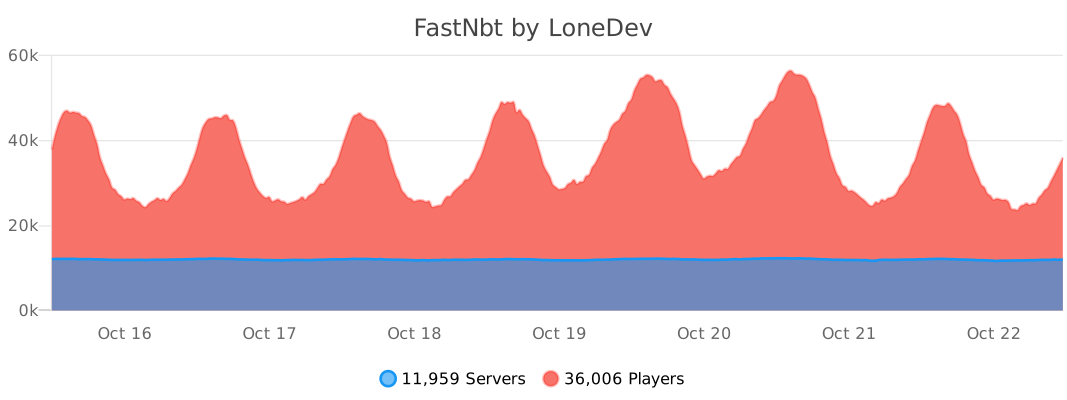
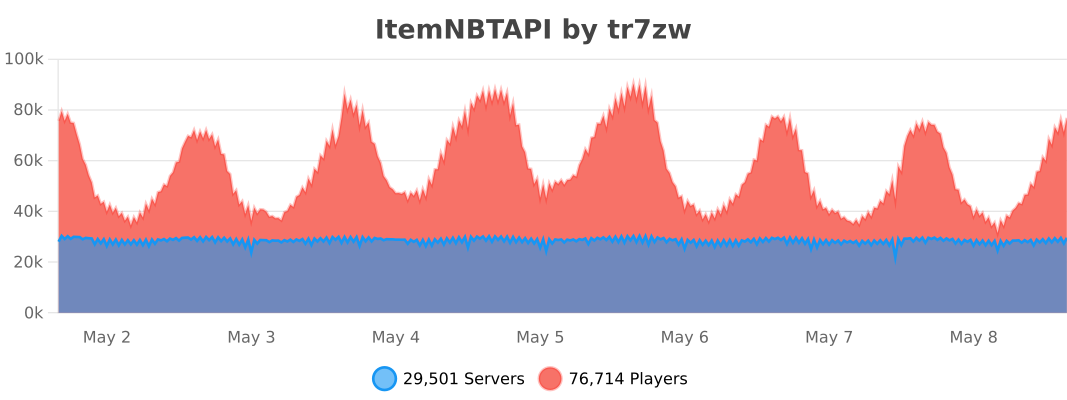
FastNbt is ~190% faster than NBT API.
Check the benchmark here
FastNbt is easier to use compared to NBT API and requires less boilerplate code.
FastNBT writes SkullOwner NBT or the native profile Data Component automatically.
NItem nItem = new NItem(new ItemStack(Material.PLAYER_HEAD));
nItem.setSkull("dummy", "eyJ0ZXh0dXJlcyI6eyJTS0lOIjp7InVybCI6Imh0dHA6Ly90ZXh0dXJlcy5taW5lY3JhZnQubmV0L3RleHR1cmUvYjc4ZWYyZTRjZjJjNDFhMmQxNGJmZGU5Y2FmZjEwMjE5ZjViMWJmNWIzNWE0OWViNTFjNjQ2Nzg4MmNiNWYwIn19fQ==");FastNBT accepts JSON text components for item names. Use the Bukkit API as usual for legacy strings.
NItem nItem = new NItem(new ItemStack(Material.STONE));
nItem.setCustomNameJson("{\"text\":\"Example Name\",\"color\":\"blue\"}");FastNBT writes legacy NBT or modern Data Components automatically, depending on the server version.
NItem nItem = new NItem(new ItemStack(Material.DIAMOND_BOOTS));
nItem.setAttributeModifier(
        AttributeName.MOVEMENT_SPEED,
        AttributeOperation.ADD,
        0.1,
        "movement_speed",
        "feet",
        1337,
        1337
);
Operations are ADD, MULTIPLY_BASE, and MULTIPLY_TOTAL.
AttributeName contains every vanilla attribute and resolves its exact NMS name for the current Minecraft version.
Legacy names such as attackDamage, generic.attackDamage, and horse.jumpStrength are accepted and converted automatically.
Using an attribute before the version that introduced it throws IllegalArgumentException.
The existing String and integer-operation overload remains available for compatibility.
Use the high-level method above for multi-version code. For direct legacy NBT access:
UUID uuid = new UUID(1337, 1337);
NCompound attribute = nItem.getOrAddList("AttributeModifiers", NBTType.Compound).addCompound();
attribute.setString("AttributeName", AttributeName.MOVEMENT_SPEED.getName());
attribute.setInt("Operation", AttributeOperation.ADD.getId());
attribute.setUUID("UUID", uuid);
attribute.setDouble("Amount", 0.1);
attribute.setString("Name", "movement_speed");
attribute.setString("Slot", "feet");
nItem.save();Currently, supports only items.

This is the easiest way.
name: Your Plugin
author: You
# ....
libraries:
- beer.devs:FastNbt-jar:VERSIONdependencies {
compileOnly("beer.devs:FastNbt-jar:VERSION")
}This is the easiest way, but requires some special steps.
Shade libby into your JAR, read more here.
Add the lib into libraries-libby of your plugin.yml and specify the --remap flag.
name: Your Plugin
author: You
# ....
libraries-libby:
- beer.devs:FastNbt-jar:VERSION --remapYou need to include this LibsLoader class in your plugin and call in onLoad.
This will load the libraries you specified in the plugin.yml file.
new LibsLoader(this).loadAll();Same as Method 1
You can shade the library in your plugin if you want to use it without connecting to Maven Central.
plugins {
    id("com.gradleup.shadow") version "9.4.1"
}

dependencies {
    implementation("beer.devs:FastNbt-jar:VERSION")
}

tasks.shadowJar {
    relocate("beer.devs.fastnbt", "YOUR_PACKAGE_HERE.libs.beer.devs.fastnbt")
}- Create a new module for the NMS version and configure its
paperweight.paperDevBundledependency. - Add the new NMS version to the
Versionenum. - Include the module in
settings.gradle.ktsand add it toFastNbt-jar/build.gradle.kts.
Should be all.
Create a Central Portal user token and put it in ~/.gradle/gradle.properties:
mavenCentralUsername=TOKEN_USERNAME
mavenCentralPassword=TOKEN_PASSWORD
The deploy uses the default GPG key through gpg-agent. To select one explicitly, add:
signing.gnupg.keyName=KEY_IDRun .scripts/deploy_maven.sh or the Deploy to Maven Central IntelliJ run configuration.
The deployment is validated and left for manual release at https://central.sonatype.com/publishing/deployments.
- Clone it
- Make your changes
- Run
./gradlew build - Use the generated
output/FastNbt.jar
In order to update Javadocs you have to build locally, as old NMS jars are not available and can't be easily included on Github.
- Run
./gradlew :FastNbt-core:javadoc - Get the generated Javadocs from
FastNbt-core/build/docs/javadoc/ - Push the contents into the
javadocbranch
This happens when mappings are out of date. Refresh Paperweight's dependencies and rebuild:
./gradlew build --refresh-dependencies