


| Light mode | Dark mode |
|---|---|
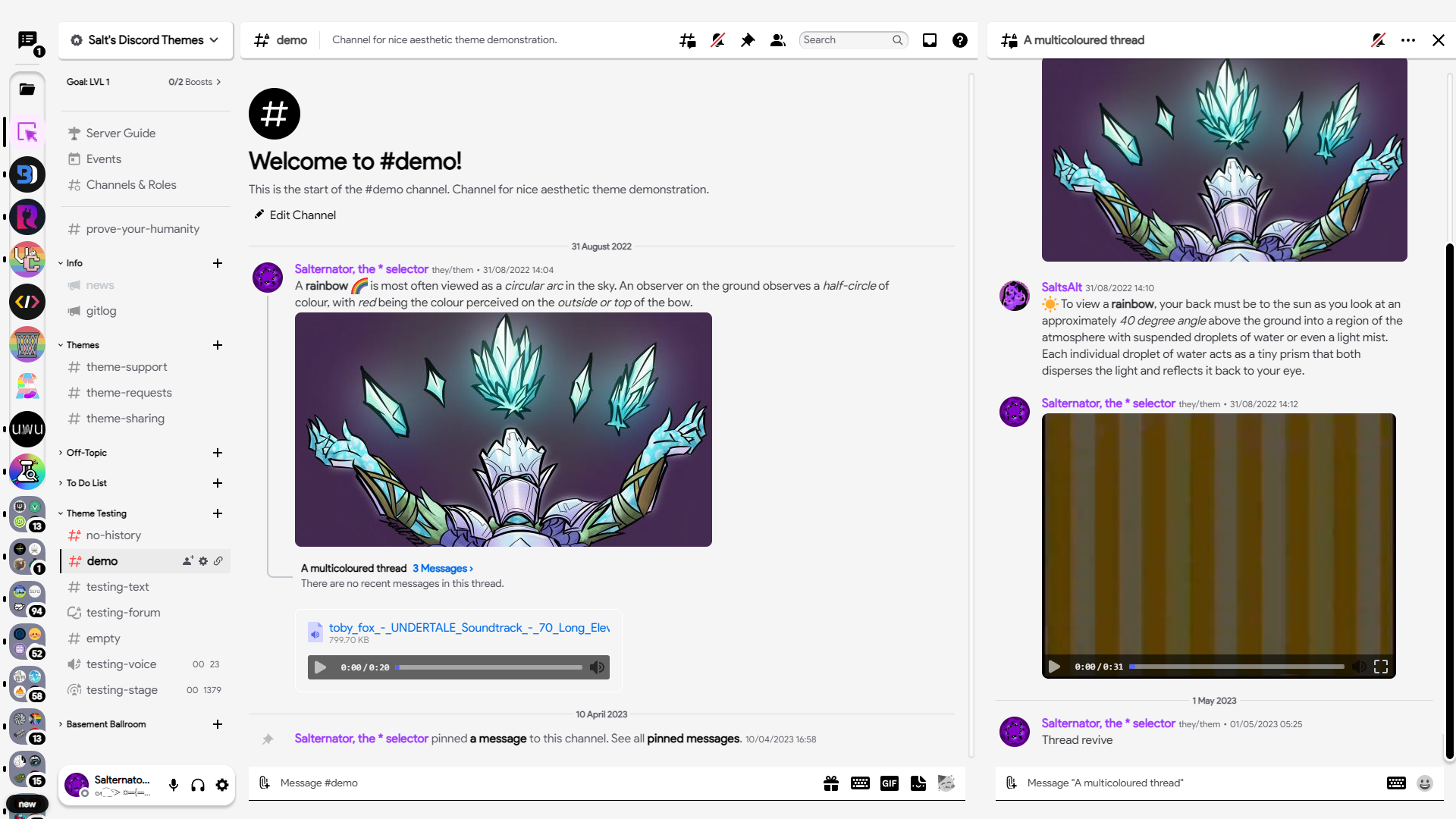 |
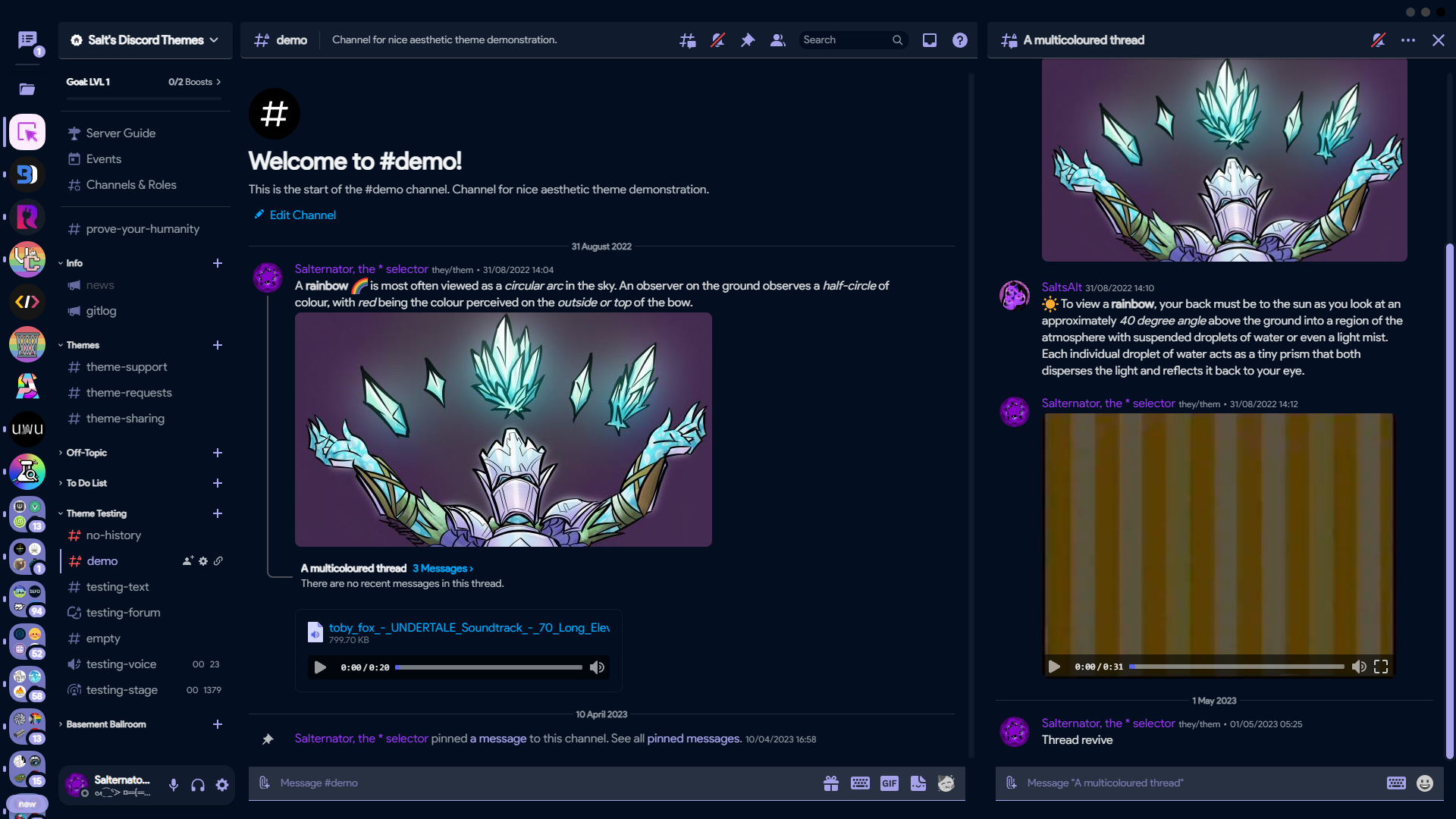 |
- Click to install:
- Download
net.saltssaumure.Espresso.asar: - Place the file in the themes folder:
Settings>Replugged>Themes>Open Themes Folder
- Click
Load Missing Themesand toggle on the theme card.
Click to view screenshots
| Theme Name | Image Link |
|---|---|
| Turquoise |  |
| Lilac |  |
| Newspaper |  |
| Tan |  |
| French Vanilla |  |
| Material Dark |  |
| Clear |  |
| Fuoco |  |
| Dark Pastel |  |
| Twitter Blue |  |
| Evening |  |
| Tokyo Night |  |
| Thinkpad |  |
| OLED |  |
- Enable
Automatically Apply Quick CSSinSettings>Replugged>General. - Open
Settings>Replugged>Quick CSS. - Copy and paste the contents of a theme file and save.
- Discord Espresso by Vozer - MIT license
- macOS Titlebar by Discord Extensions (LuckFire) - MIT license
- Material Symbols by Google - Apache License 2.0
- Product Sans by Google
- Post an issue on GitHub.
- Post in
#theme-supporton my support server.