Fast web development now in your browser using CodeMirror.
I hope the code is not too complex such that you can use the code as the basis to use as a code editor for your own projects.
This project started off from my tiny-code-editor which was inspired by Mini Code Editor by xem.
I got my minified CDN files from CDNJS codemirror.

- Run HTML code in your browser using a Sublime Text-like editor.
- Download your work to an
htmlfile (i.e.extext-{timestamp}.html) - The editor saves what you last ran on
localStorage. - Toggle between Horizontal and Vertical views.
- Minimal design.
- Sublime Text key-shortcuts
- Brackets matching
- Brackets auto complete
- Text highlight matching
- Tag highlight matching
- JavaScript hint and auto complete. (details)
In addition to Sublime Key shortcuts:
Ctrl-'orCtrl-S: Run code iniframe.Ctrl-D: (overridden) Delete lineCtrl-.: View Key ShortcutsShift-Alt-Down: Duplicate lineShift-Alt-Up: Duplicate line
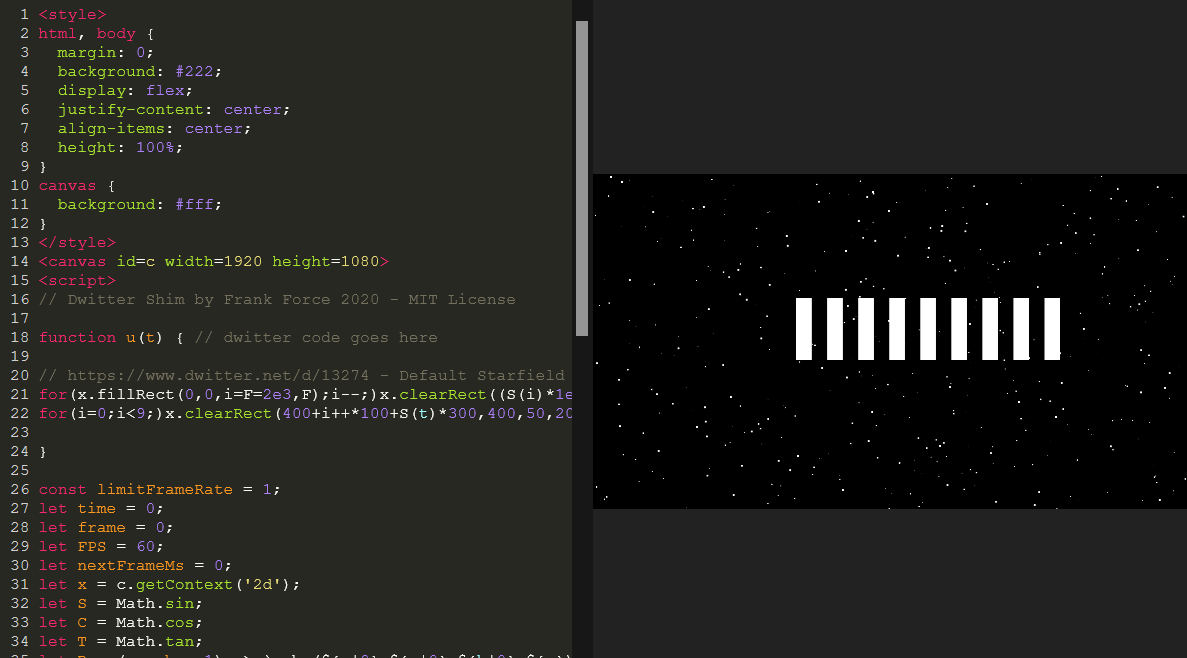
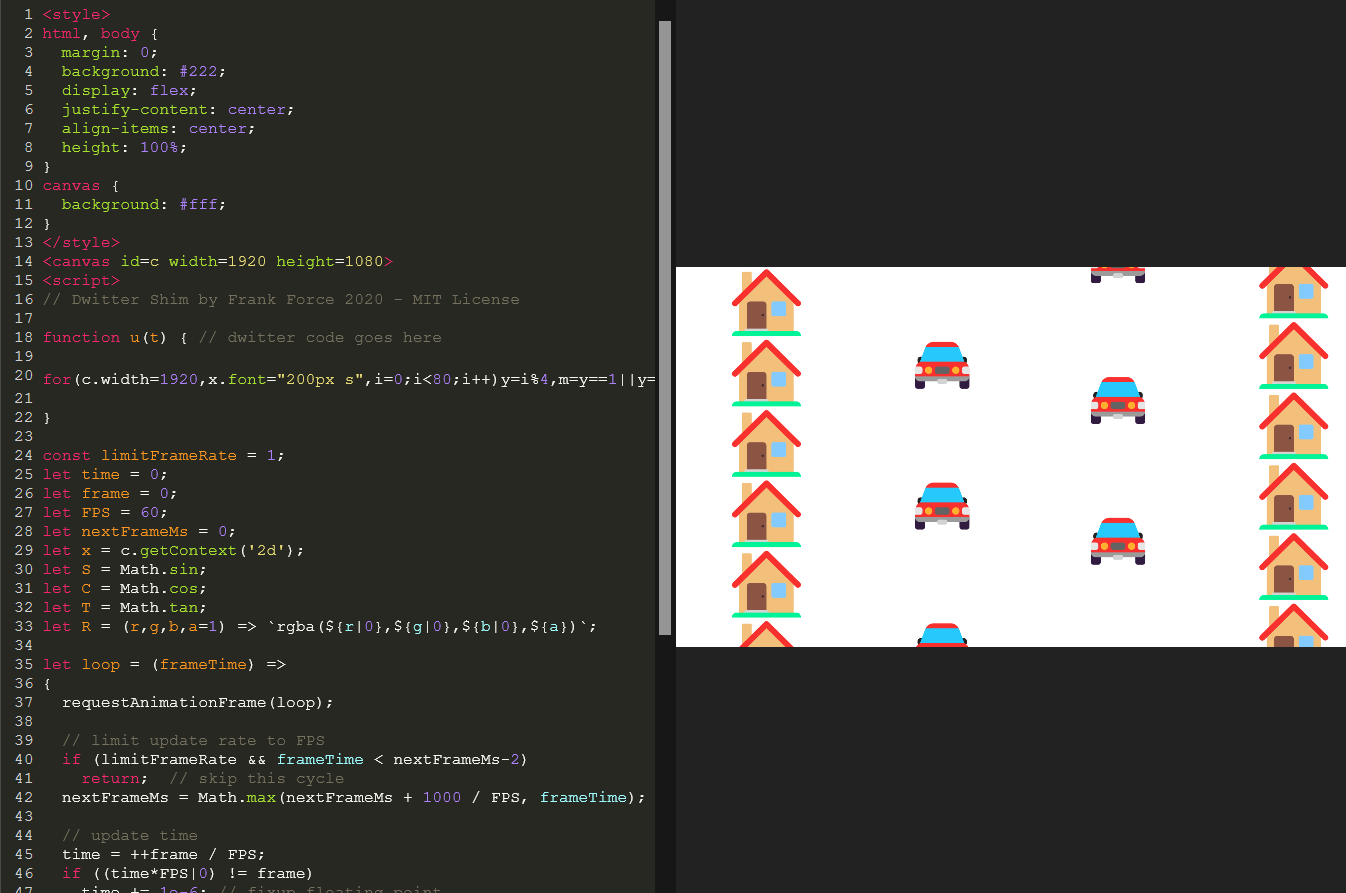
Features I may or may not implement in the future.
- Help menu that displays all key shortcuts
- Github Gist integration. Enable loading and saving Gists.
- (separate, but related app) A JavaScript code-challenge builder.
- CodeMirror the text editor code.
- html-minifier
- google-closure-compiler
- clean-css
- ant
- Live Server (vscode extension)
I am a software engineer in Hawaii. Find more stuff I made here.
If you like to support me in building these apps in open source: