- Login
- Signup
- Log out
- Navbar
- Can Give Quiz
- See Result
- Can skip Questions
- Responsive
- HTML
- CSS
- JavaScript --
This is a frontend-based web application, and as this was a codding assignment we suggest using Text stack- HTML, CSS, JavaScript.
- You will see landing page, on top of page see navbar
- In Navbar There are 3 main tags
- Logo
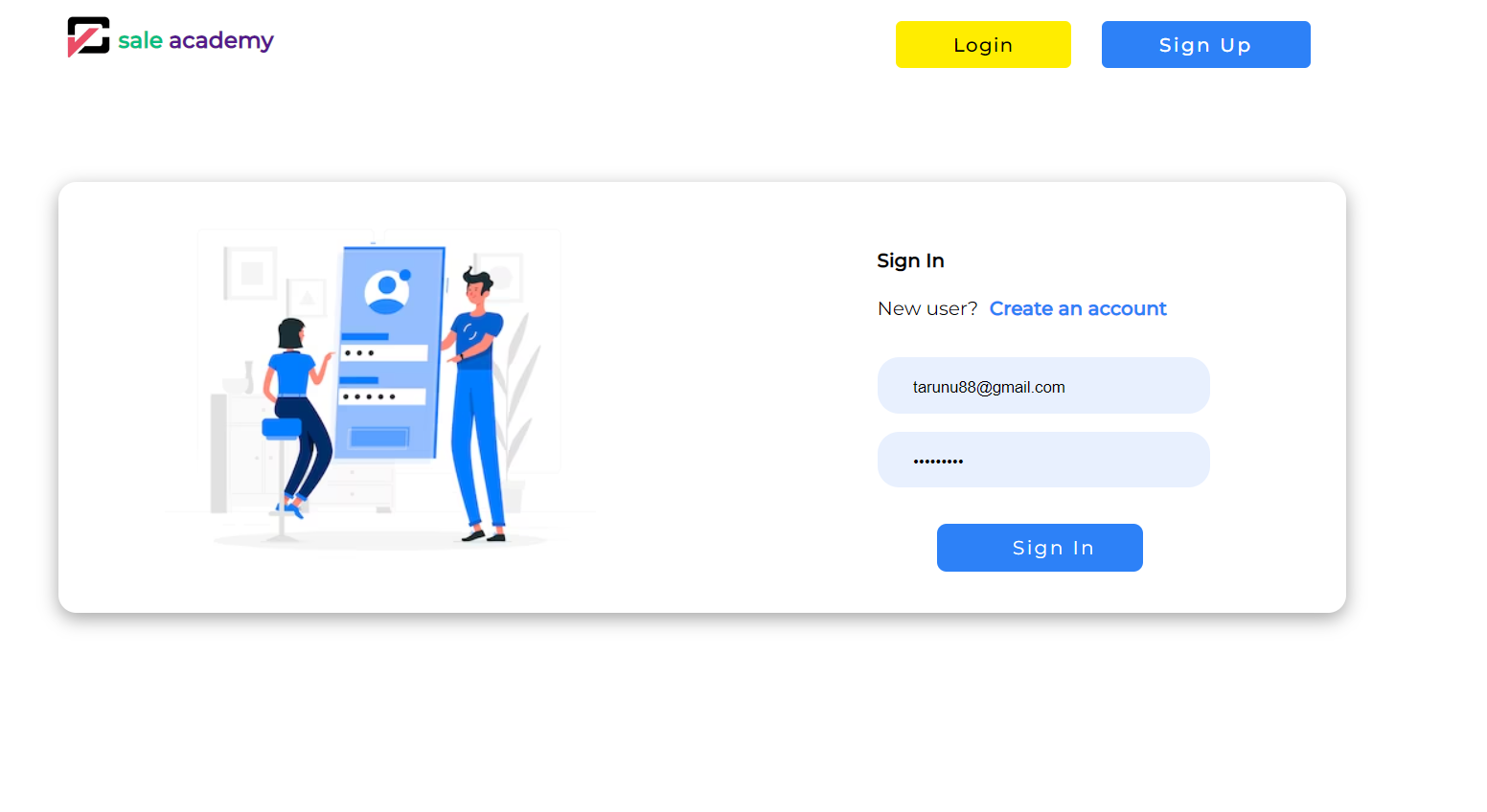
- Login
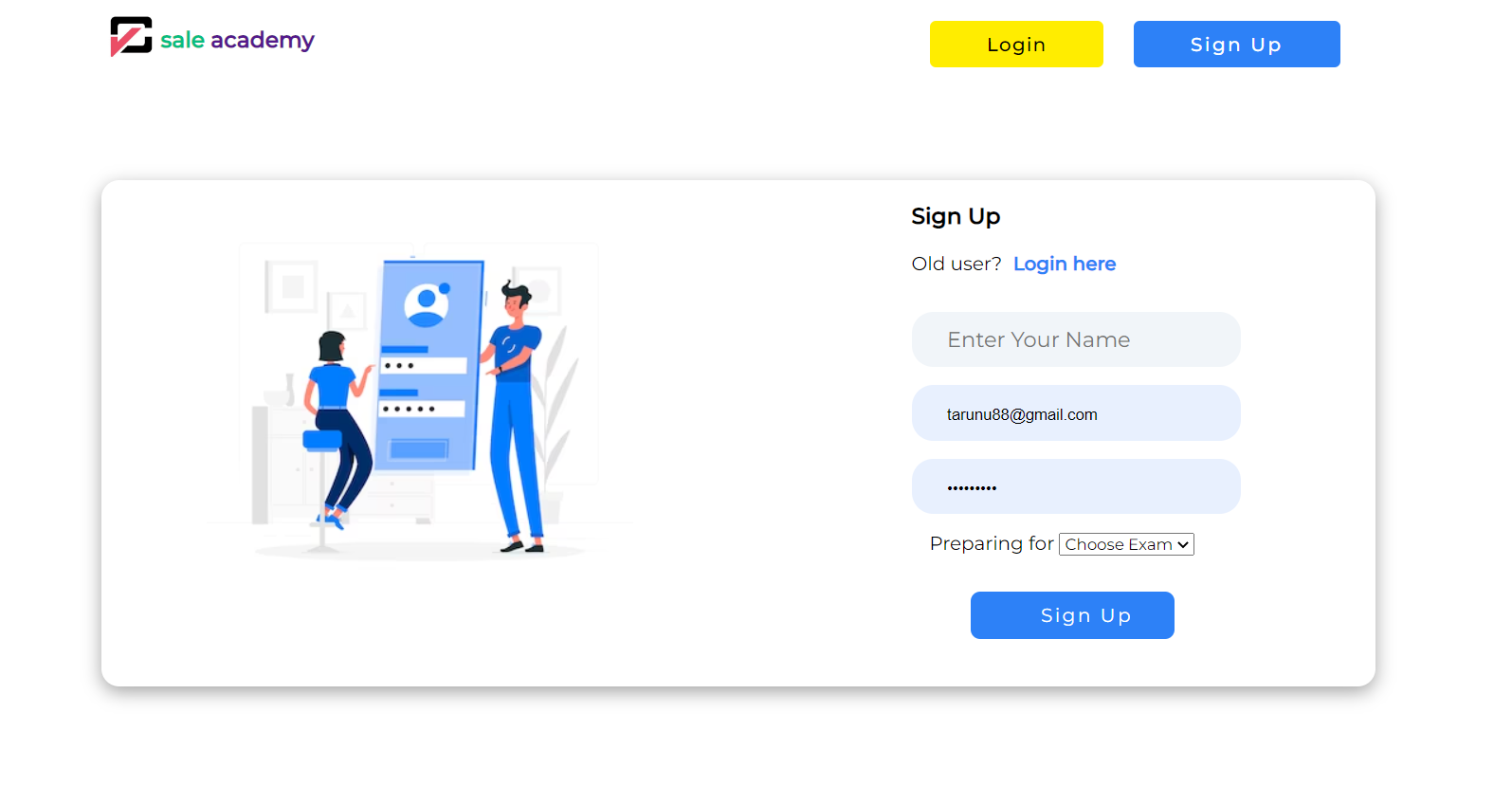
- Signup
- If you New to this application first you have to Signup.
- In Signup page you need to provide you credentials like -> Name, email, password.
- When signedup you will automatically redirects to the login page.
- In login page put your credentials.
- After you will land on userpanel.
- In userpanel there are all quizes that map to particular students.
- If quizz not attempted user will see the button of Start else see the button result.
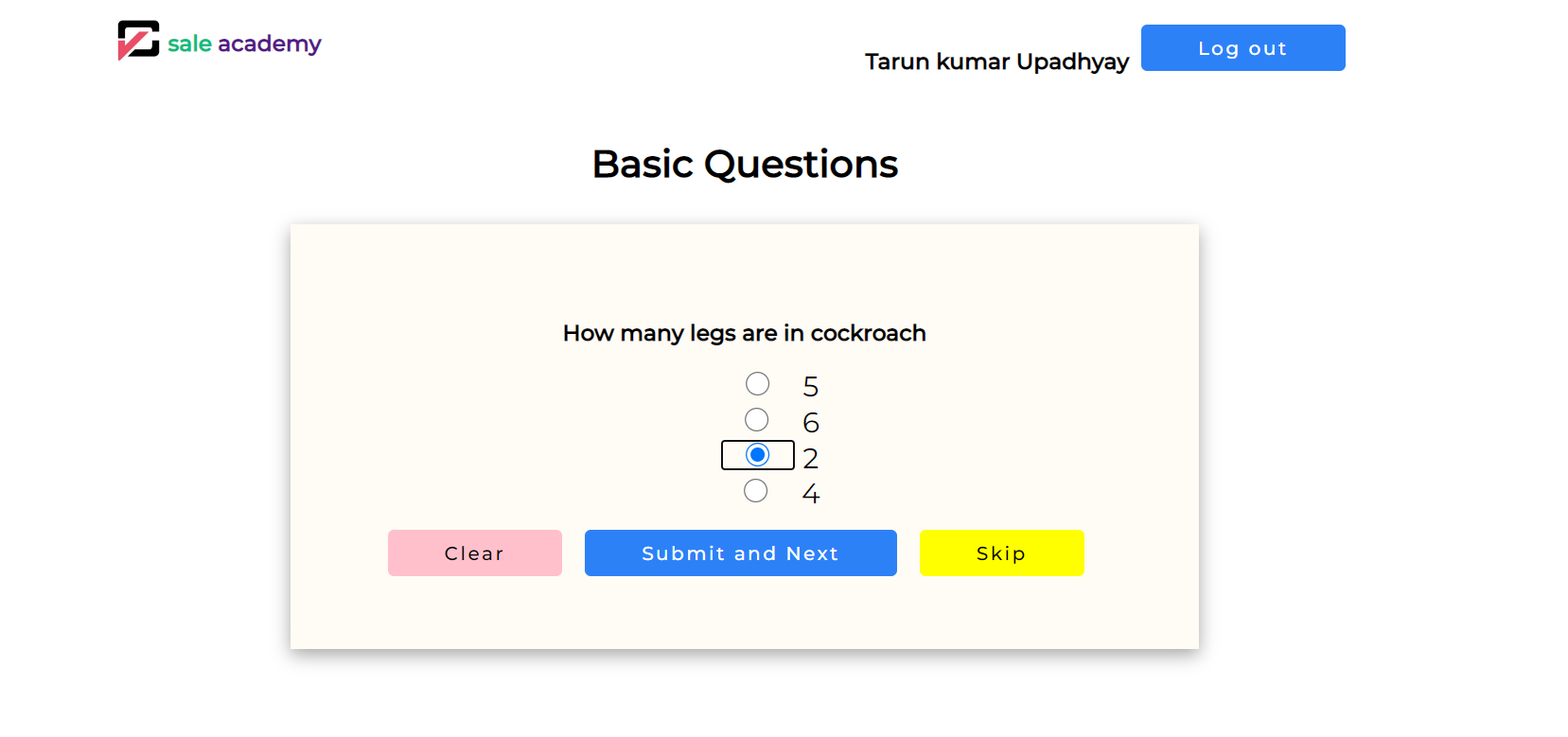
- While clicking on Start you will land to quiz page where you can give quizz
- In Quizz page there are three button and options, * Clear => Can clear option whatever have been clicked * Subimt and Next => Can Submit the question and jump to the next question * Skip => Can Skip that question
- All completing all Question you will again land to user panel then you will see button called result.
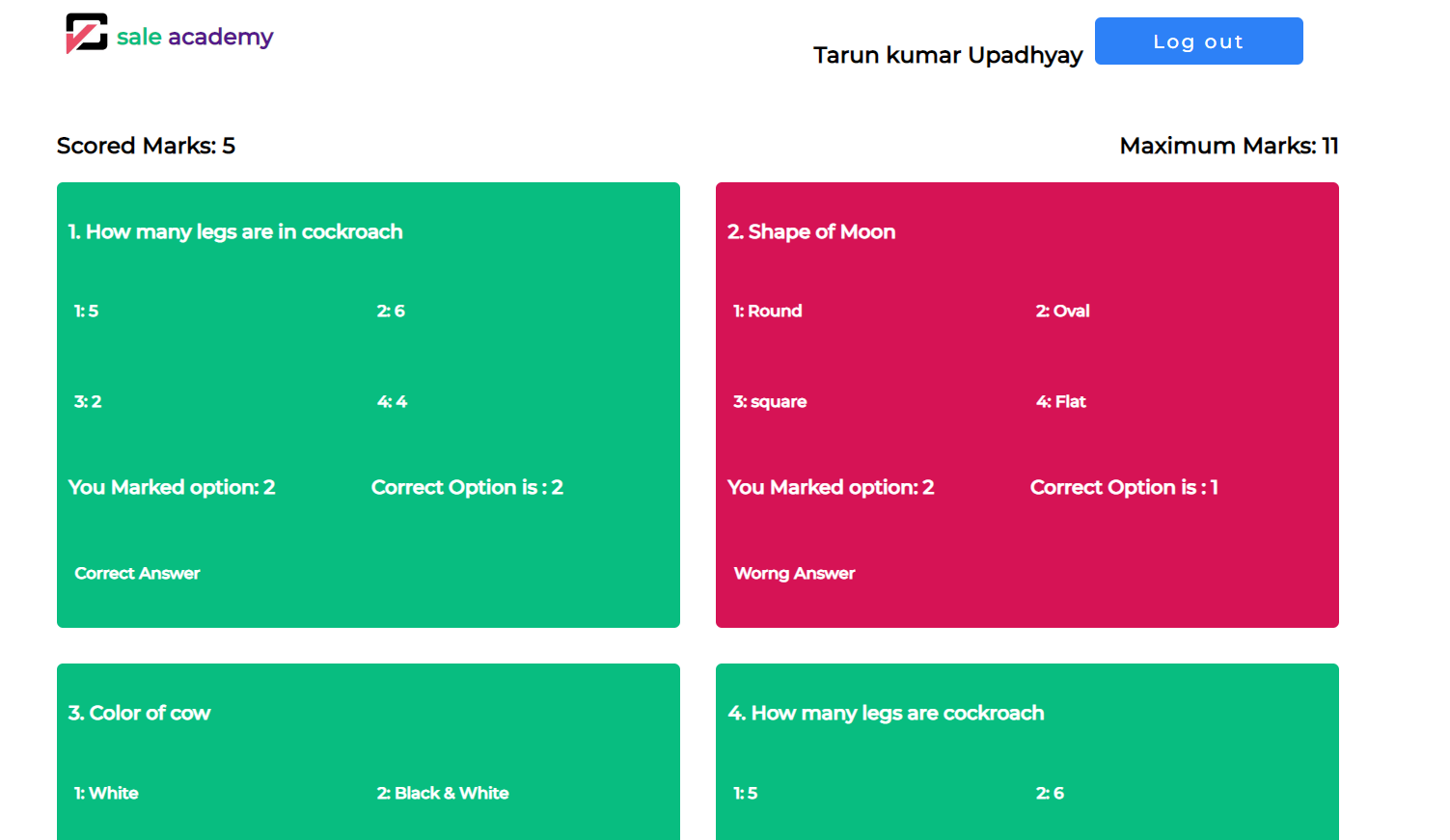
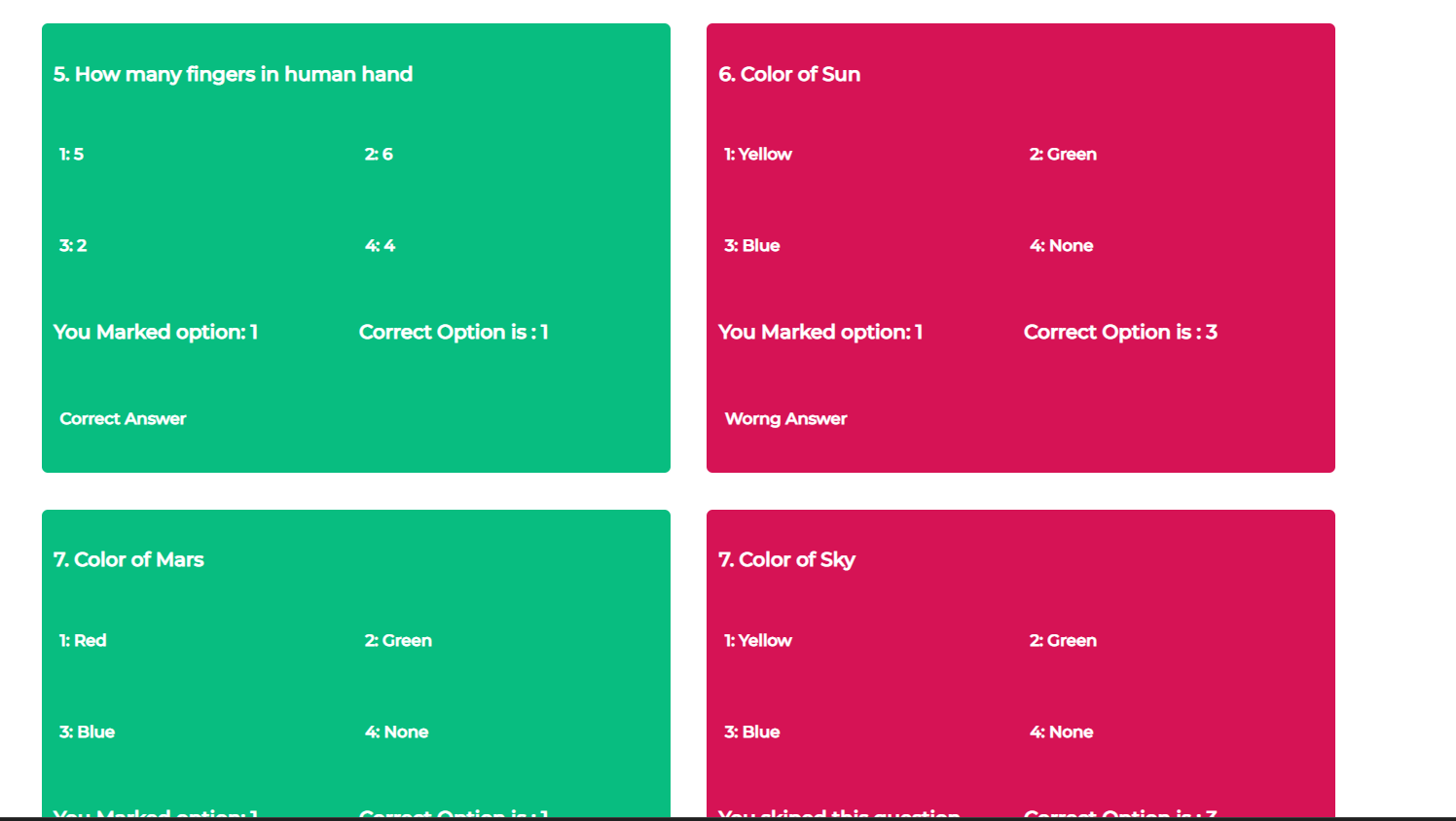
- On Result Page if user marked correct option then see green box where inside this question and their answer
- If user marked wrong answer then see red box and see there correct answer.
- On top left and top right user can see Scored marks out of total marks.